
Training Solutions for Donor Data Management Challenges
Overcome donor data management hurdles. Learn how to train your team to better organize, analyze, and leverage donor information to support your nonprofit.
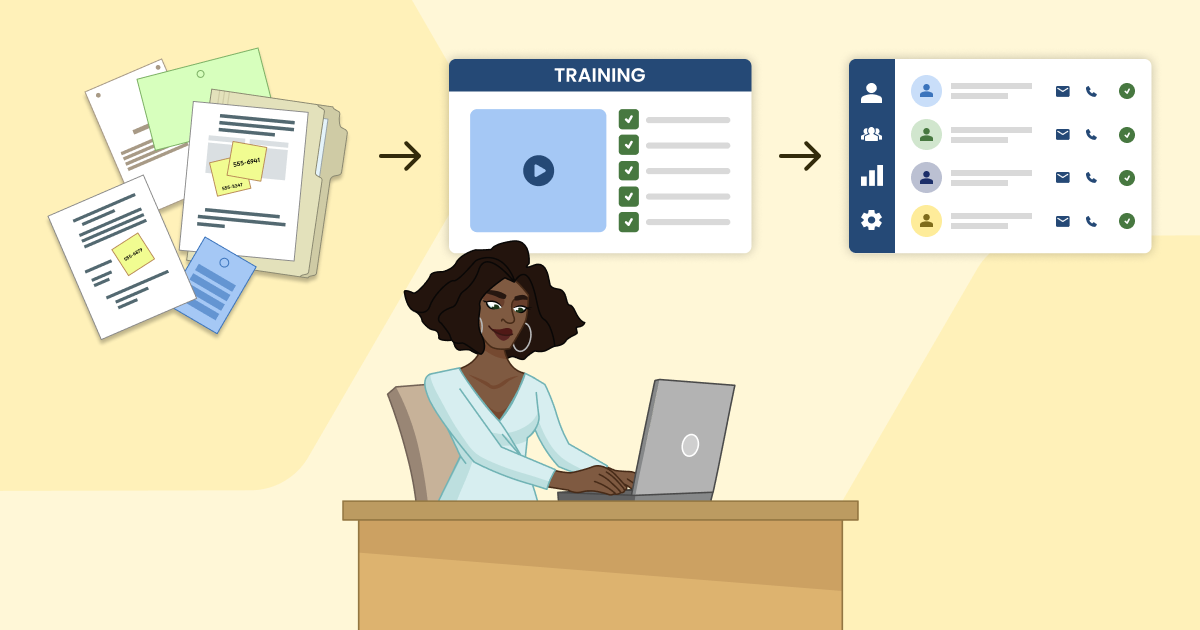
Have you ever spent 20 minutes looking for a donor's phone number only to find it written on a sticky note? It happens to the best of us.
However, it also demonstrates the value of effective donor data management, which Double the Donation describes as the process of how your organization collects, organizes, and protects supporter information. Keeping this data clean and tidy helps your team stay connected with the people who fund your mission.
Unfortunately, busy teams often face serious donor data management challenges every day. You may find yourself navigating scattered spreadsheets, correcting duplicate profiles, or sorting disorganized records. This confusion can easily pull your staff away from their real work.
The good news? It’s entirely possible to build a more resilient organization. Rather than feeling overwhelmed by messy files, you can support your team with the right systems, clear policies, and shared knowledge. In this post, we’ll provide practical solutions you can implement today.
Solution #1: Establish clear donor data policies.
Setting up a powerful fundraising system requires more than just buying software. Without documented guidelines, even the best nonprofit database will quickly become cluttered and unreliable. To overcome data management challenges, you’ll need a clear set of policies that govern how information moves through your systems.
This should include clear procedures across several core operations:
- Data entry standardization: Consistency is key. Your guidelines should outline exactly how to enter phone numbers, addresses, business titles, and more. For example, decide whether staff should use state names or abbreviations to prevent duplicate records and ensure mailing lists remain tidy.
- Regular data audits: Information changes rapidly as supporters move, switch jobs, or create new email addresses. Be sure to regularly clean your CRM and catch data entry errors before they affect your outreach. Merge duplicate profiles, archive inactive records, and look for missing fields.
- Access controls: Protecting privacy is a critical responsibility for charitable organizations. Implement strict user permissions within your database to dictate who can view, edit, or export files. These restrictions secure sensitive financial details and prevent accidental errors.
When rules are firmly established, nonprofits can safely expand their fundraising. That also means it’s a good time to scale corporate philanthropy efforts, as clean data is especially critical for workplace giving. If your records are all over the place, your team will struggle to identify where supporters work and whether their employers offer matching gifts or volunteer grants.
Solution #2: Structure your training approach.
For nonprofit development teams, effective learning requires a thoughtful framework and a deliberate design. Simply handing your staff a hefty software manual or sending a link to a generic instructional video will rarely result in lasting change. To truly shift how your organization manages its information, you must build a training plan that respects your team's time, matches their level of technical comfort, and addresses the real-world scenarios they face daily.
When you break down complex software into manageable learning blocks, you reduce anxiety and increase confidence. To construct a high-impact educational program, you must:
- Assess current skills. Identify where staff members struggle with the software. Conduct brief surveys or observe daily workflows to pinpoint roadblocks and identify areas where data entry stalls.
- Create engaging materials. Utilize workbooks and hands-on exercises within a test database to improve information retention and build muscle memory. Practical scenarios allow your team to gain experience without the fear of altering active records.
- Define learning objectives. Set clear goals for what staff should know about data categorization, tracking, and segmentation. Establish specific milestones and check in at the end of each module.
- Gather feedback. Adjust the curriculum based on the modules your staff finds most difficult to navigate or have seen the most success with. Regular check-ins ensure training remains relevant as software features update and goals shift.
- Schedule consistent sessions. Build regular learning blocks into your calendar to ensure continuous improvement. Short, recurring sessions are far more effective than a single, exhaustive annual seminar.
- Introduce advanced topics later on. Once your staff understands the basics of system navigation, you have a reliable framework from which to build on. Incorporating information about employer enrichment or workplace giving automation down the line allows you to continue scaling your fundraising success.
Ultimately, the true measure of your training program lies in the accessibility it provides throughout the process. Your materials and database guidelines must remain straightforward, easily searchable, and jargon-free so every employee can fully benefit. This fosters an inclusive workplace where data stays accurate, teams work efficiently, and donor relationships thrive.
Solution #3: Implement cross-training for team adaptability.
Relying on a single database expert introduces significant risk. If that individual goes on vacation, falls ill, or leaves the organization entirely, your fundraising campaigns can grind to a halt. For that reason, you need to train multiple staff members on the core functions of your software to ensure operational continuity.
This collaborative framework spreads technical confidence throughout the office, creating a flexible workplace where multiple team members can confidently step in and assist. There are a few ways you can adopt strategic cross-training methodologies, such as:
- Determine which team members can naturally learn supplementary skills based on current daily responsibilities. For instance, your marketing coordinator and gift processor both interact with supporter communications, making them ideal candidates for cross-functional development.
- Ensure no institutional knowledge is lost during staffing transitions by creating accessible learning resources, such as usage guidelines and process documentation. This repository should also include instructions for generating reports, adding profiles, and fixing typos.
- Consider assigning short-term database responsibilities across departments to build practical, hands-on experience. Having a program manager temporarily log volunteer hours keeps their skills fresh.
- Incorporate data handling into new-hire training sequences. Introducing software basics during orientation establishes a consistent standard of data cleanliness from day one.
- Pair experienced database users with other staff to provide localized support. This setup allows employees to ask questions and receive guidance without a formal meeting.
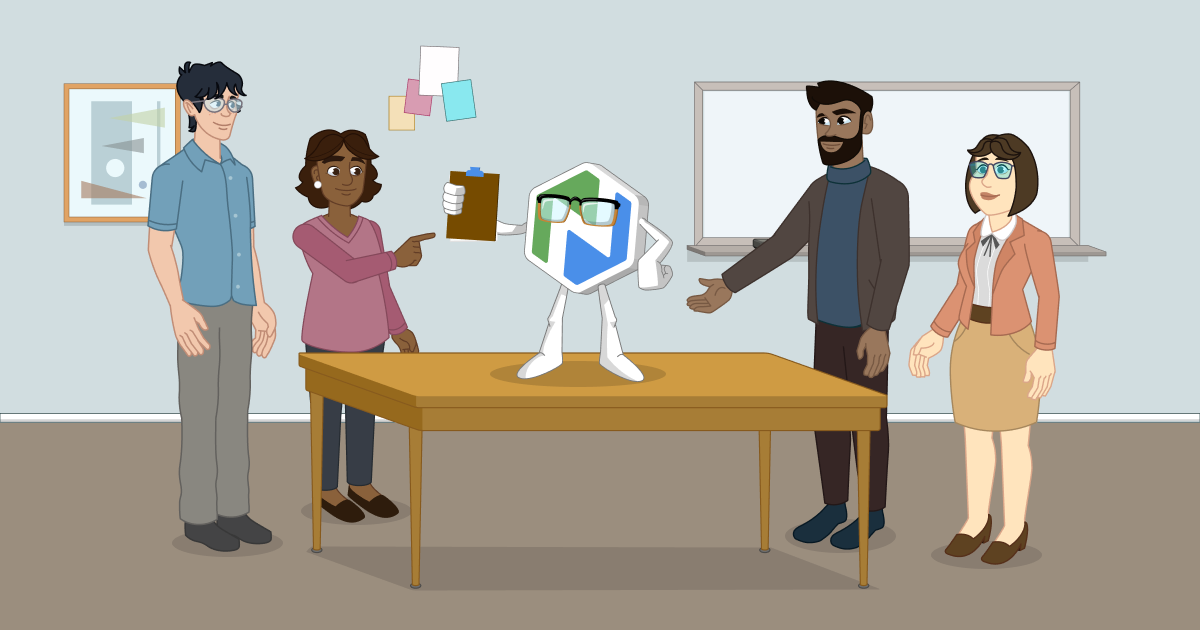
Spreading technical responsibilities across teams ensures your database remains up to date, even during times of chaos. To make this strategy work, practice the train-the-trainer model, in which your internal staff or volunteers learn to teach one another within your organization. By adopting this model, you can empower staff and volunteers to master your data guidelines and pass along the knowledge.
Solution #4: Choose the right learning platform.
As technology evolves, nonprofits must adapt to new trends to remain competitive, and ongoing learning is a great help. Continuing education ensures skills never rust and that your development team uses your software to its full potential.
To support this ongoing learning process, you’ll want to choose the right learning management system (LMS). We recommend looking for these key capabilities:
- Centralized learning hubs allow you to store all tutorials, database policies, and software guides in one organized, searchable place.
- Progress tracking allows you to monitor which team members have completed their courses, ensuring accountability across departments. This feature helps identify those ready for advanced responsibilities and those who might need extra assistance.
- Practical skill application provides a space for staff to explore how to capture vital giving motivations and relationship notes within rich donor profiles.
- Bite-sized lessons allow you to break complex workflows into short, digestible modules that can be completed during daily schedule gaps. Not to mention, short sessions prevent information overload.
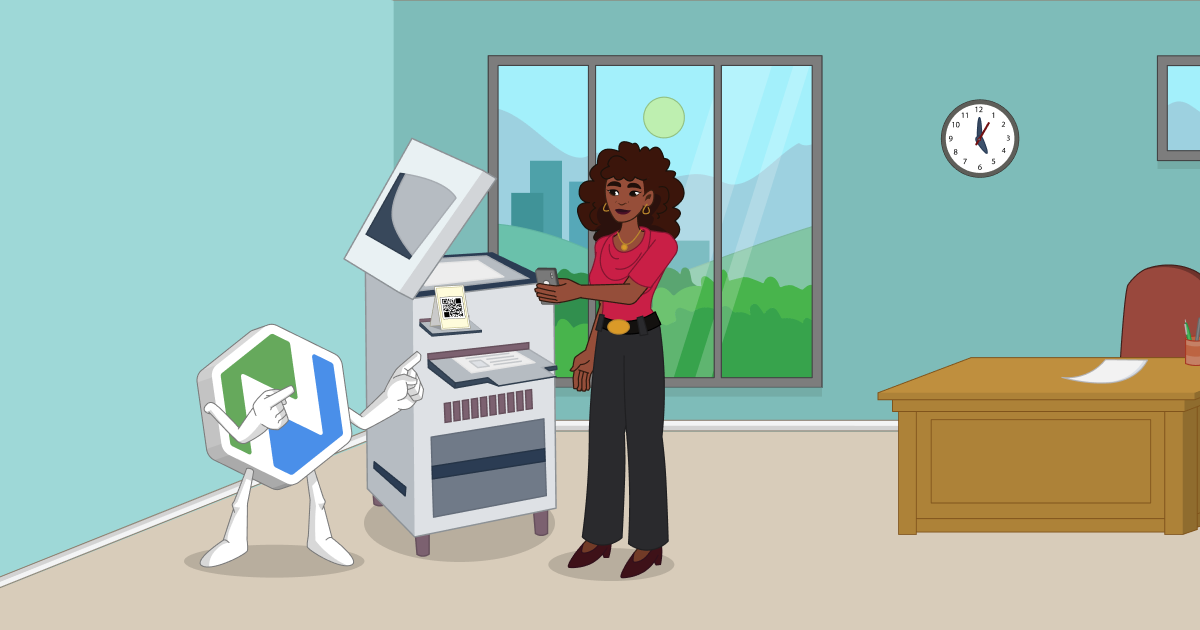
- Mobile accessibility ensures your team can review training materials on any device, making it easier to check protocols while in the field.
Choosing the right LMS does more than just train your staff. It feeds into your entire donor data management system. When your team is well-informed on all things related to your CRM, you can guarantee that you’ll have the information you need to power successful fundraising efforts going forward.
Investing time in teaching your staff to handle organizational records properly is one of the most valuable commitments your nonprofit can make. After all, database training is a direct investment in your team, your organizational efficiency, and your overall mission.
Proper donor data management even helps with long-term retention. Clean records let you treat each contributor as an individual rather than a line on a spreadsheet. When you account for exact communication preferences, acknowledge personal milestones, and track corporate affiliations correctly, your outreach becomes deeply personalized. This attention to detail builds deep trust and encourages long-term financial support.
.png)

.png)
.png)
.png)

.png)

.png)